The short answer
If a photo carries one of the six Creative Commons licenses, credit is a condition of use. Give the title, the author, the source and the license (Creative Commons calls this TASL), with links where you can. If the photo is CC0, as every upload on Largephotos is, credit is optional. A short line such as “Photo by Name on Largephotos”, linked to the photo page, is still the kind thing to do.
When do you have to credit a photo?
You have to credit a photo when its license makes credit a condition of use, which is true of all six Creative Commons licenses. CC BY, CC BY-SA, CC BY-ND, CC BY-NC, CC BY-NC-SA and CC BY-NC-ND all start with “BY”, and that part means attribution. Skip the credit and you are not meeting the terms the photographer set.
The CC BY 4.0 deed lists three things you must do: give appropriate credit, provide a link to the license, and indicate if changes were made. You must also not suggest that the photographer endorses you or your use. The other five licenses add conditions on top, such as sharing adaptations under the same license (SA), no commercial use (NC), or no adaptations at all (ND).
The license is flexible about how you meet these conditions. CC BY 4.0 says you may satisfy them in any reasonable manner based on the medium, means and context in which you share the work. A blog caption, a line in a video description and a credits page in a book can all qualify. Leaving the credit out entirely does not.
Do you need to credit CC0 photos from Largephotos?
No. CC0 is a public domain dedication, not a license with conditions, so no credit is required. The CC0 deed says you can copy, modify, distribute and perform the work, even for commercial purposes, all without asking permission. Every photo and video on Largephotos is released under CC0, and our license page confirms that no credit is needed.
The CC0 deed does make one request that matters when you do credit someone: when using or citing the work, you should not imply endorsement by the author. “Photo by Name on Largephotos” is fine. “Name recommends our product” is not, unless that person said it.
Two related points. CC0 does not affect trademark or patent rights, and it does not clear the privacy or publicity rights of people who appear in a photo. And Largephotos has one site rule of its own, separate from CC0: you may not sell unaltered copies where the image itself is the product, such as a print or a stock file.
| License on the photo | Credit required? | Also note |
|---|---|---|
| CC BY | Yes | Link the license, say if you changed it |
| CC BY-SA | Yes | Adaptations use the same license |
| CC BY-ND | Yes | No adaptations |
| CC BY-NC | Yes | Noncommercial only |
| CC BY-NC-SA | Yes | Noncommercial, share alike |
| CC BY-NC-ND | Yes | Noncommercial, no adaptations |
| CC0 (all Largephotos uploads) | No | Do not imply endorsement |
What is the TASL approach to photo credit?
TASL stands for Title, Author, Source and License, the four parts Creative Commons recommends in its own attribution guide. It is a checklist, not a fixed sentence. If your credit says what the work is called, who made it, where it came from and what license it carries, you have covered the essentials for any CC BY family photo.
- Title. The photo’s name. Creative Commons notes that it is required under version 3.0 licenses and earlier, and optional under 4.0.
- Author. The photographer, by the name they ask to be credited under, handle or studio name included.
- Source. A link to the original page, so readers can find the photo. Creative Commons prefers the original address over a shortened link.
- License. The license name and a link to its deed, for example CC BY 4.0.
The model example in the Creative Commons guide reads: the photo title in quotation marks, “by” and the photographer’s name, then “is licensed under CC BY 4.0”, with the title linked to the source, the name linked to the photographer and the license linked to the deed.
If you change the photo, say so. For a crop, Creative Commons suggests a note such as “Cropped from original” next to the full credit. For a real adaptation, it suggests saying your work is adapted from the original, followed by the original credit. The two ND licenses do not allow adaptations at all.
What is the right photo credit format?
The right format puts the photographer’s name, and a way to find the photo, where your audience will actually see it. That changes with the medium. Below are lines to copy for six common places: our suggested credit for a CC0 photo from Largephotos, and a TASL credit for a photo under a CC BY license.
| Where it appears | Largephotos (CC0) credit | CC BY credit (TASL) |
|---|---|---|
| Website or blog caption | Photo by Name on Largephotos (name linked to the profile, Largephotos linked to the photo page) | “Title” by Name is licensed under CC BY 4.0 (linked to source and deed) |
| Instagram post | Photo by Name on Largephotos, at the end of the caption, with the photo page address | “Title” by Name, CC BY 4.0, with source and license addresses |
| YouTube description | Photo at 2:15: Photo by Name on Largephotos, plus the photo page address | Photo at 2:15: “Title” by Name, CC BY 4.0, plus source and license addresses |
| Print or book | Photo: Name / Largephotos, with the full page address in the picture credits | “Title” by Name, CC BY 4.0, with full addresses, not shortened links |
| Slide deck | Photo by Name on Largephotos, on the slide or on a closing credits slide | “Title” by Name, CC BY 4.0, on the slide or a credits slide |
| Press release | Image: Name on Largephotos (CC0), page address in the notes for editors | Image: “Title” by Name, CC BY 4.0, addresses in the notes for editors |
On the web, link the photographer’s name to their profile and the word Largephotos to the photo page, so readers land on the exact image. In print, Creative Commons recommends full addresses rather than shortened links. For offline work such as a booklet or a talk, it also suggests publishing a web page that lists the credits. When a project uses many photos, keep each credit clearly tied to its own photo.
 Seaside Resort Terrace Under Palm Leaves by Fatos Rudi
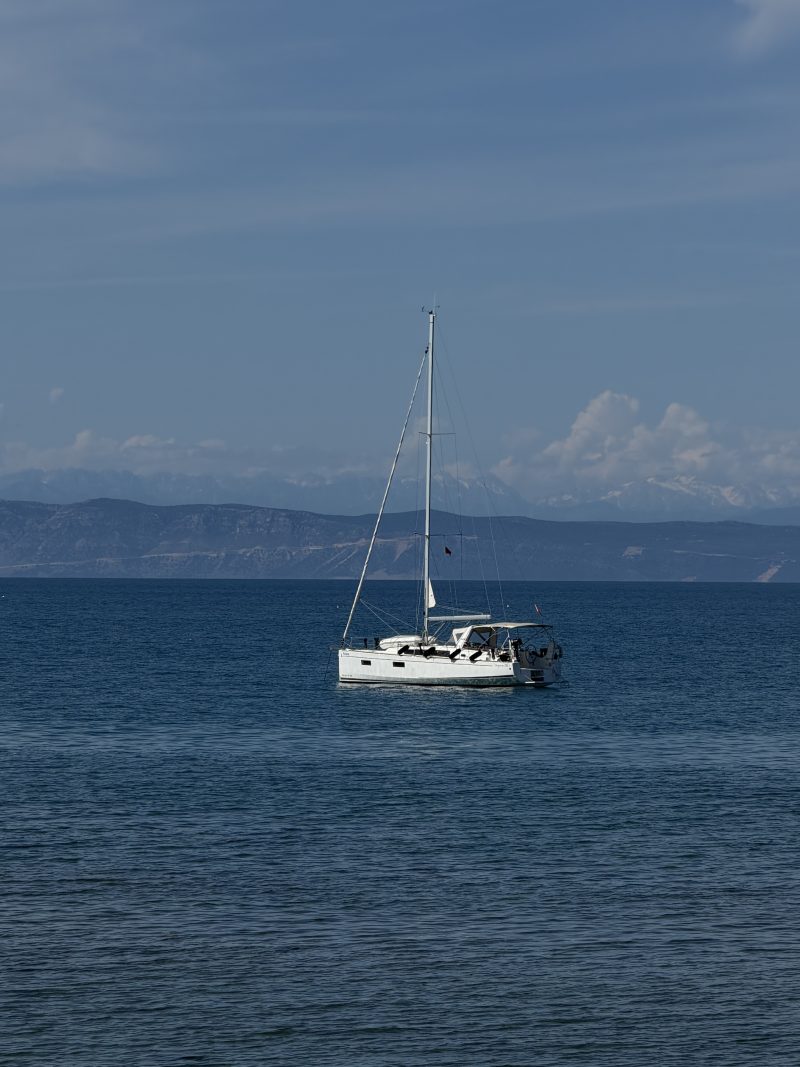 Sailing Catamaran at Anchor on a Calm Sea by Fatos Rudi
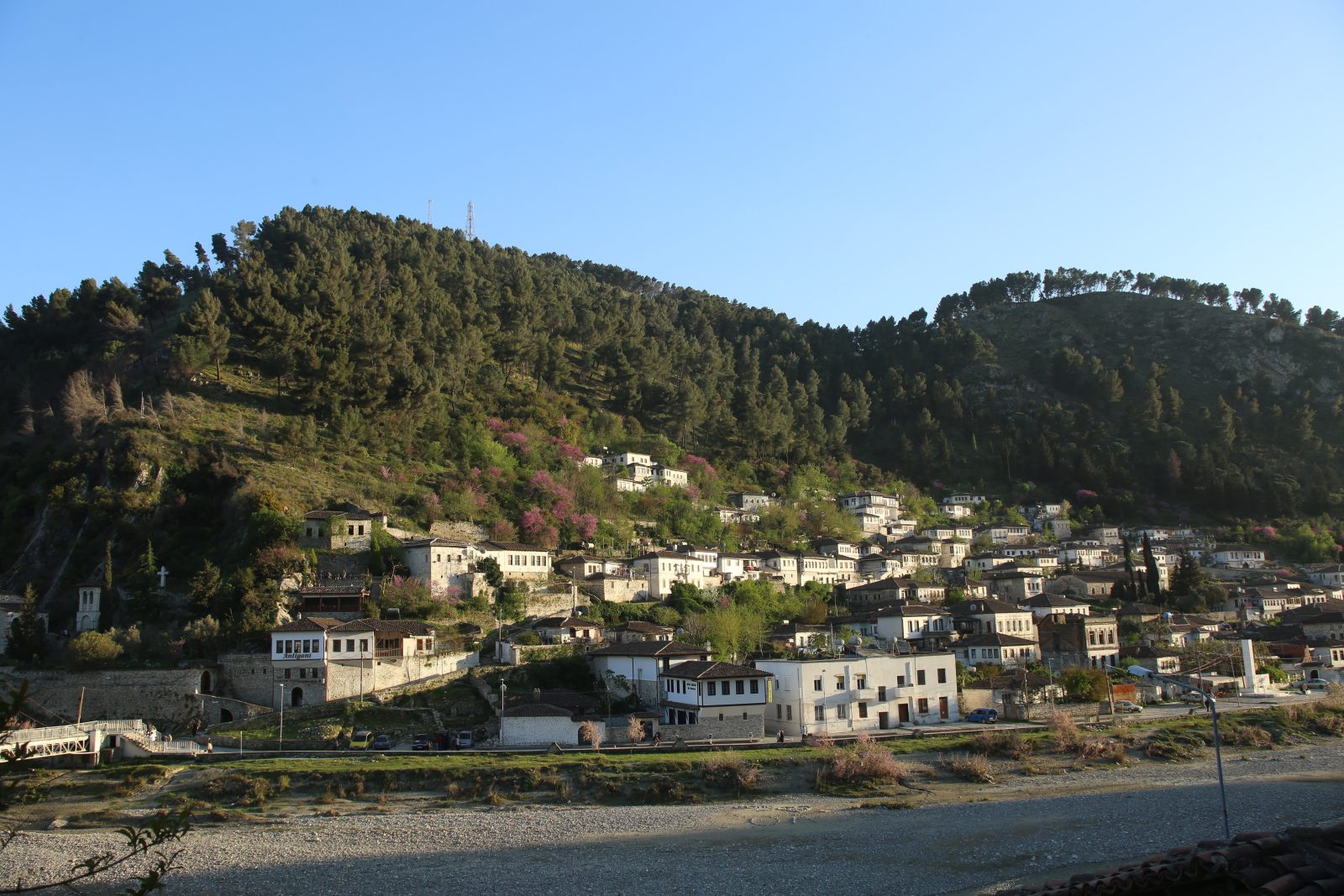
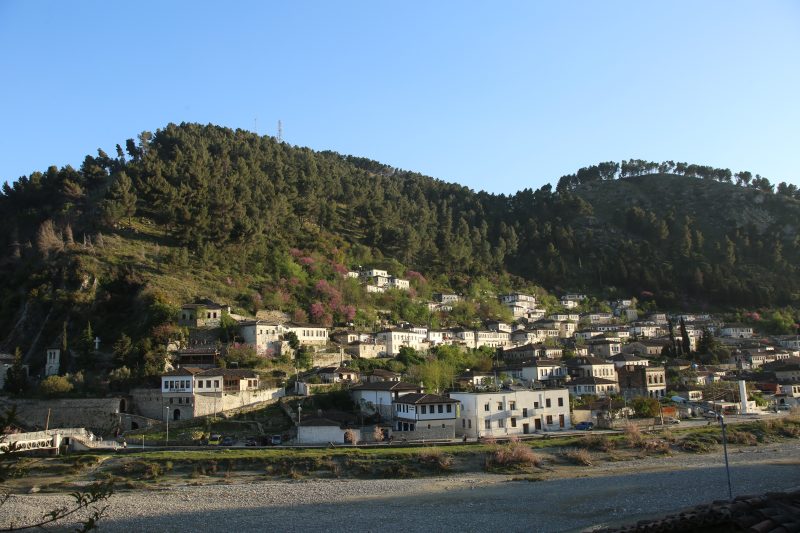 Hillside Old Town Above a River by Largephotos Team
 Sheep Grazing Near Stone Houses in Valbona by Norik Uka
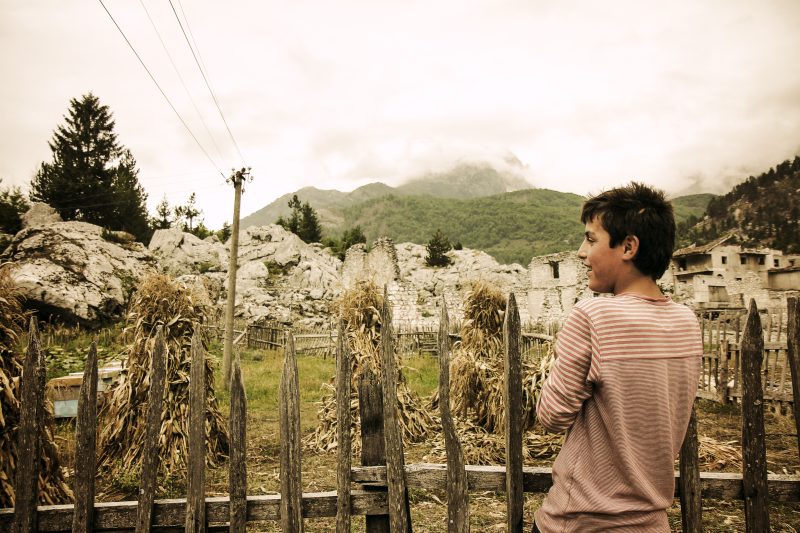 Boy by a Wooden Fence in Valbona by Norik Uka
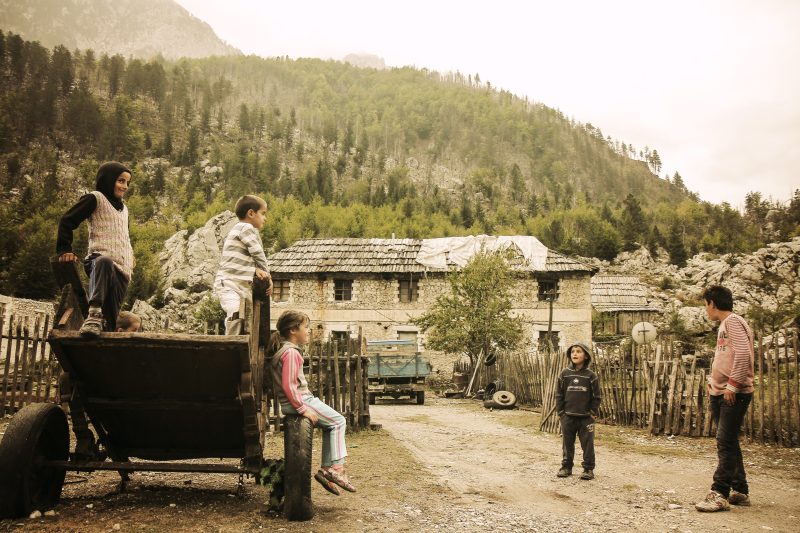 Children Playing on a Cart in Valbona Village by Norik Uka
Where do I find the photographer’s name on Largephotos?
Every photo page on Largephotos shows the photographer’s name next to the image, and that name links to their profile. Copy the name exactly as it appears and use the photo page address as your link, since it points at the exact image you used. To see everyone who contributes, visit the photographers directory.
Why credit a photographer when it is optional?
A credit costs you one line and gives something back to the photographer, your readers and your own reputation. CC0 removes the obligation, not the value. The people who upload to Largephotos give their work away, and a credit is the one return you can offer them for free.
- Photographers. A visible name linked to a profile is how people find their other work, follow them or hire them.
- Readers. A credit tells readers where a picture came from and lets them find the original and similar photos.
- Trust. Credits show you know where your material comes from. If an editor or client asks about an image, the answer is already on the page.
- Habit. A team that credits every photo will not miss the credit on the CC BY photo that slips into the same project.
What are the most common photo credit mistakes?
The usual mistakes are crediting the wrong party, hiding the credit where nobody sees it, and using wording that claims more than is true. Each one is easy to fix once you know to look for it. The table pairs each mistake with a better approach you can use instead.
| Mistake | Why it is a problem | Instead |
|---|---|---|
| “Photo: Largephotos”, platform only | Creative Commons warns against crediting the platform instead of the author | Photo by Name on Largephotos |
| “Photo courtesy of Name” for a download | “Courtesy of” reads as if the owner handed you the photo directly | Photo by Name on Largephotos |
| Credit only in alt text or metadata | Creative Commons advises against both: alt text describes the image, and most people never see metadata | A visible caption or credit line |
| Stripping creator and license details from a CC BY photo | CC BY 4.0 asks you to keep the creator identification and license notice supplied with the work | Carry those details into your visible credit |
| Changing the photographer’s name | Creative Commons asks you to use the name the creator specifies | Copy the name exactly |
| Implying endorsement | Both the CC BY and CC0 deeds warn against it | Keep the credit factual |
The metadata point needs care. Some photo files carry the photographer’s name and license details inside the file, and resizing or exporting can drop them. For a CC0 photo that has no legal effect. For a CC BY photo, the license asks you to retain the creator identification and license notice supplied with the work, so if you strip them from the file, put them in your visible credit.
The reverse can also happen. CC BY 4.0 says that if the licensor asks, you must remove the attribution information to the extent reasonably practicable. It is rare, but respect it.
 White Lhasa Apso Dog with a Bone Treat by Fatos Rudi
 Dark Horse Standing in a Green Meadow by Fatos Rudi
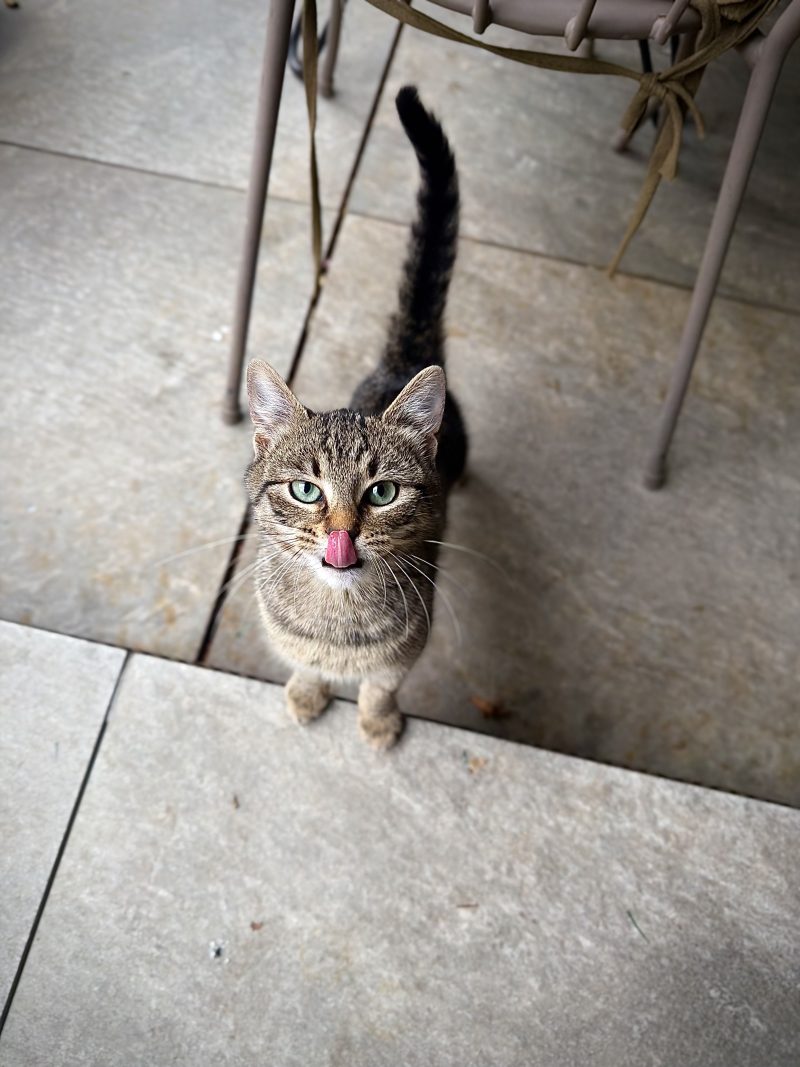 Tabby Cat Looking Up from a Stone Floor by Fatos Rudi
See all 27 free Animals photos
How do you credit a photo, step by step?
Check the license, gather the details, pick the format for your medium, and place the credit where readers will see it. These steps work for a CC0 photo from Largephotos and for a photo under any CC BY license. After a few rounds they take about a minute per image.
- Check the license. On Largephotos every upload is CC0, so credit is optional. Under a CC BY license, credit is required; check for NC, SA or ND conditions too.
- Copy the photographer’s name exactly as the photo page shows it.
- Copy the photo page address, not a search result or a shortened link.
- For CC BY, note the title and license, with a link to the license deed.
- Note any changes, such as “Cropped from original”.
- Pick a format from the table above to match where the photo will appear.
- Place it where people will see it: caption, description or credits page.
- Click each link to confirm it opens the right photo, profile and license.
Ready to try it? Browse free travel photos or free animal photos, open any photo page, and the name and link you need are right there.
Questions people ask
Do I have to credit photos from Largephotos?
No. Every Largephotos upload is CC0, which needs no credit or permission, even for commercial use. “Photo by Name on Largephotos” is optional but appreciated.
What is the correct photo credit format?
For a Creative Commons licensed photo, give the title, author, source and license, linked where possible: “Title” by Name is licensed under CC BY 4.0. For a Largephotos photo, use “Photo by Name on Largephotos” linked to the photo page.
Is “Photo courtesy of” the right wording?
Usually not for a photo you downloaded. “Courtesy of” suggests the owner supplied it to you. “Photo by Name” is simpler and accurate.
Can I credit the website instead of the photographer?
No. Creative Commons advises against crediting the platform instead of the author. Name the photographer and mention the site as the source.
Do I need to say if I edited the photo?
For CC BY family photos, yes; a note such as “Cropped from original” covers a small edit. CC0 has no such requirement.
How this guide was written: license facts come from the Creative Commons attribution guidance on the CC wiki, the CC BY 4.0 deed and legal code, the CC0 1.0 deed and the CC license overview; Largephotos details come from our own license page and photo pages, checked on 7 October 2026. Spotted an error? Write to admin@largephotos.net.